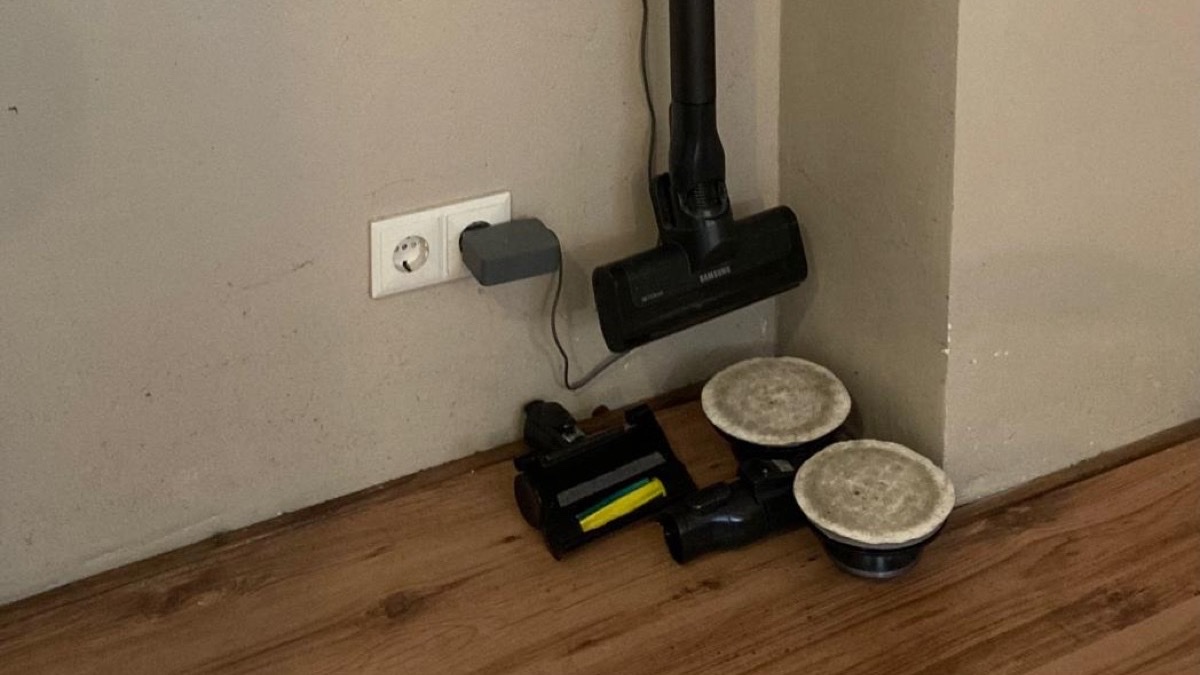
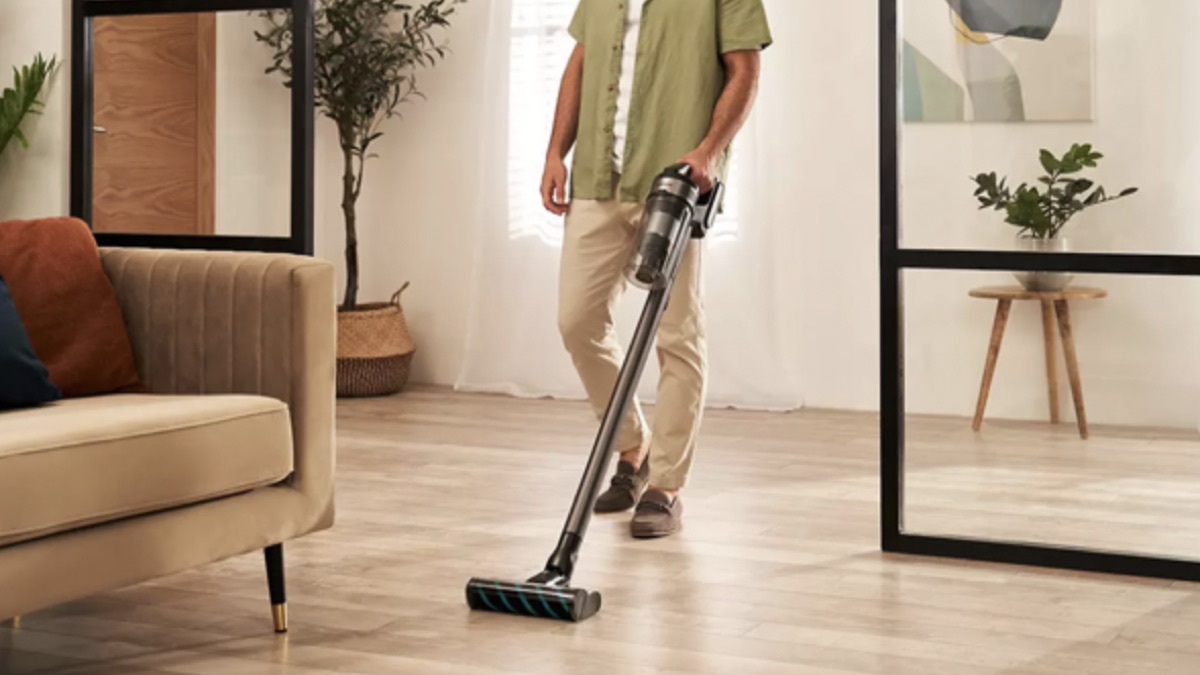
The Samsung Jet 75E Pro is a popular cordless stick vacuum across Europe and the US. Powerful (200AW suction), lightweight (2.7 kg) and sleek design. But virtually every owner runs into the same problem: the included accessories have no fixed home. Samsung's wall mount holds the vacuum neatly, but the loose attachments — crevice tool, furniture brush, combination nozzle — end up scattered in a utility cupboard or a drawer. In this guide I explain why that happens, which storage solutions exist, and how to fix it for good.
In this guide
What accessories come with the Samsung Jet 75?
The Samsung Jet 75E Pro (model number VS20B75ADR5) ships with several attachments as standard. The exact set varies by variant and retailer, but the most common bundle includes:
- Crevice tool — for tight gaps between cushions, along skirting boards and into corners
- Furniture brush — soft brush for delicate surfaces like bookshelves and keyboards
- Combination nozzle — versatile attachment with a retractable brush
- Flexible crevice tool — bendable extension for hard-to-reach spots
Together these attachments make the Jet 75 a genuinely versatile vacuum. The problem is not the accessories themselves — they work well. The problem is where you put them when you're not using them.
Why don't the accessories fit on the Samsung wall mount?
Samsung includes a wall mount with the Jet 75. It's designed for the vacuum itself: you click the unit in and it hangs neatly on the wall. But that mount has no space for the loose attachments.
This isn't a design flaw — it's a deliberate choice. Samsung keeps the wall mount compact and minimal. The accessories are intended to be stored in the charging station or in a storage box. In practice, that doesn't work:
- The charging station has limited space, and not every model has a built-in storage compartment
- Loose attachments get lost in drawers and cupboards
- You reach for them less often when they're not right next to the vacuum
- In a utility cupboard they fall over or slide around
The result: you have accessories that make your vacuum more capable, but you stop using them because they're not within reach. Sound familiar? You're not alone — it's one of the most frequently mentioned frustrations in Samsung Jet owner reviews.
4 storage solutions compared
1. Toss them in a drawer or cupboard
The simplest option. Costs nothing, but you lose track fast. The attachments end up buried under other things and every time you need one, you go hunting. Within a few weeks you stop bothering with them entirely.
2. DIY hooks or tape
Some owners hang accessories on screw hooks or stick them up with double-sided tape. It works after a fashion, but it looks rough. The attachments fall off regularly because the hooks aren't sized for them. You spend more time fiddling than vacuuming.
3. A generic 3D-printed holder from Thingiverse
Platforms like Thingiverse and Printables have universal holders you can print yourself or order cheaply. The upside: low cost. The downside: they're not designed for the Samsung Jet 75 and often don't fit properly. The accessories don't click in, wobble around, or the holder doesn't sit alongside the Samsung wall mount. You also have to figure out the right dimensions yourself and iterate until it works.
4. A wall mount made specifically for the Samsung Jet 75
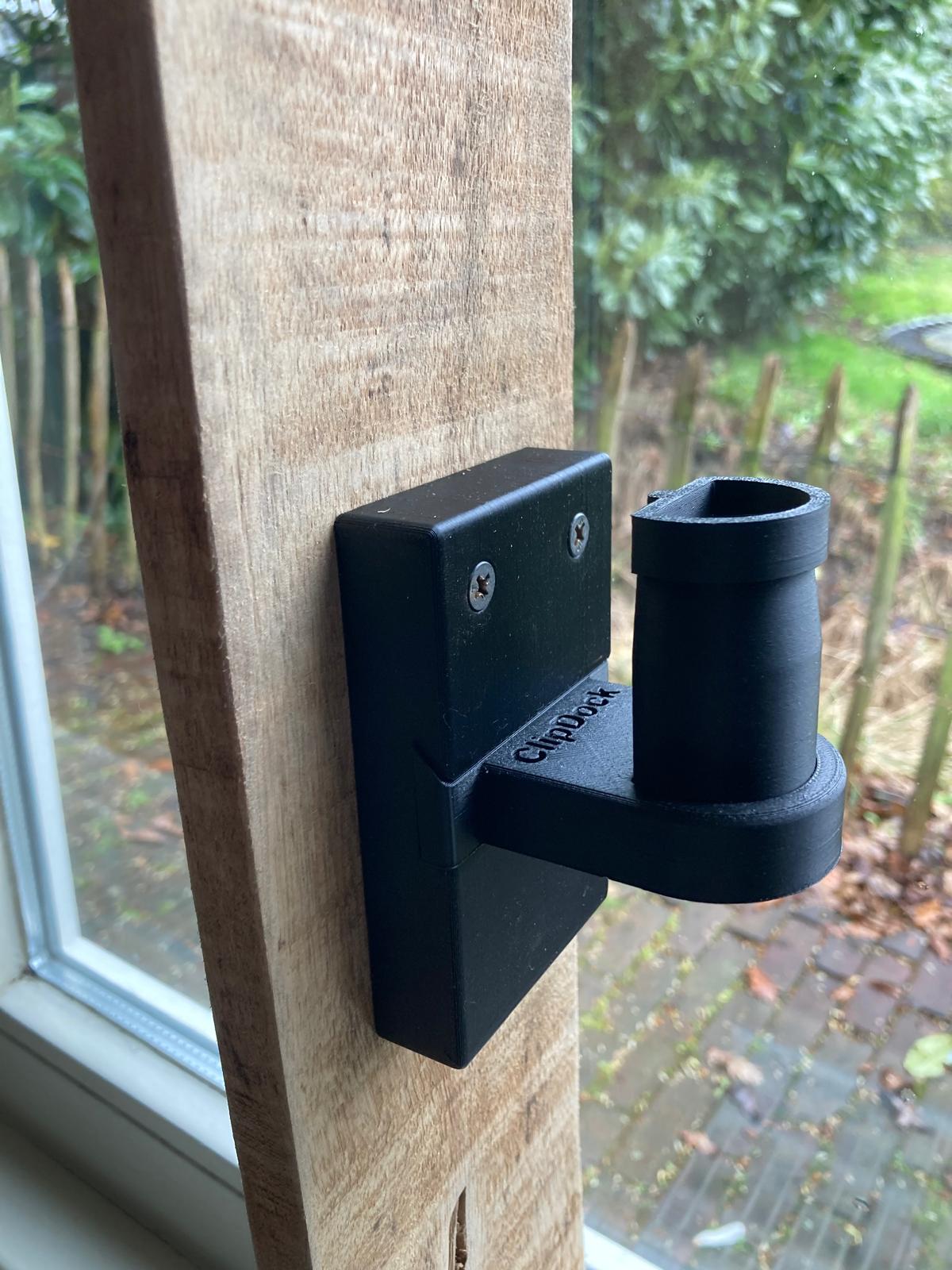
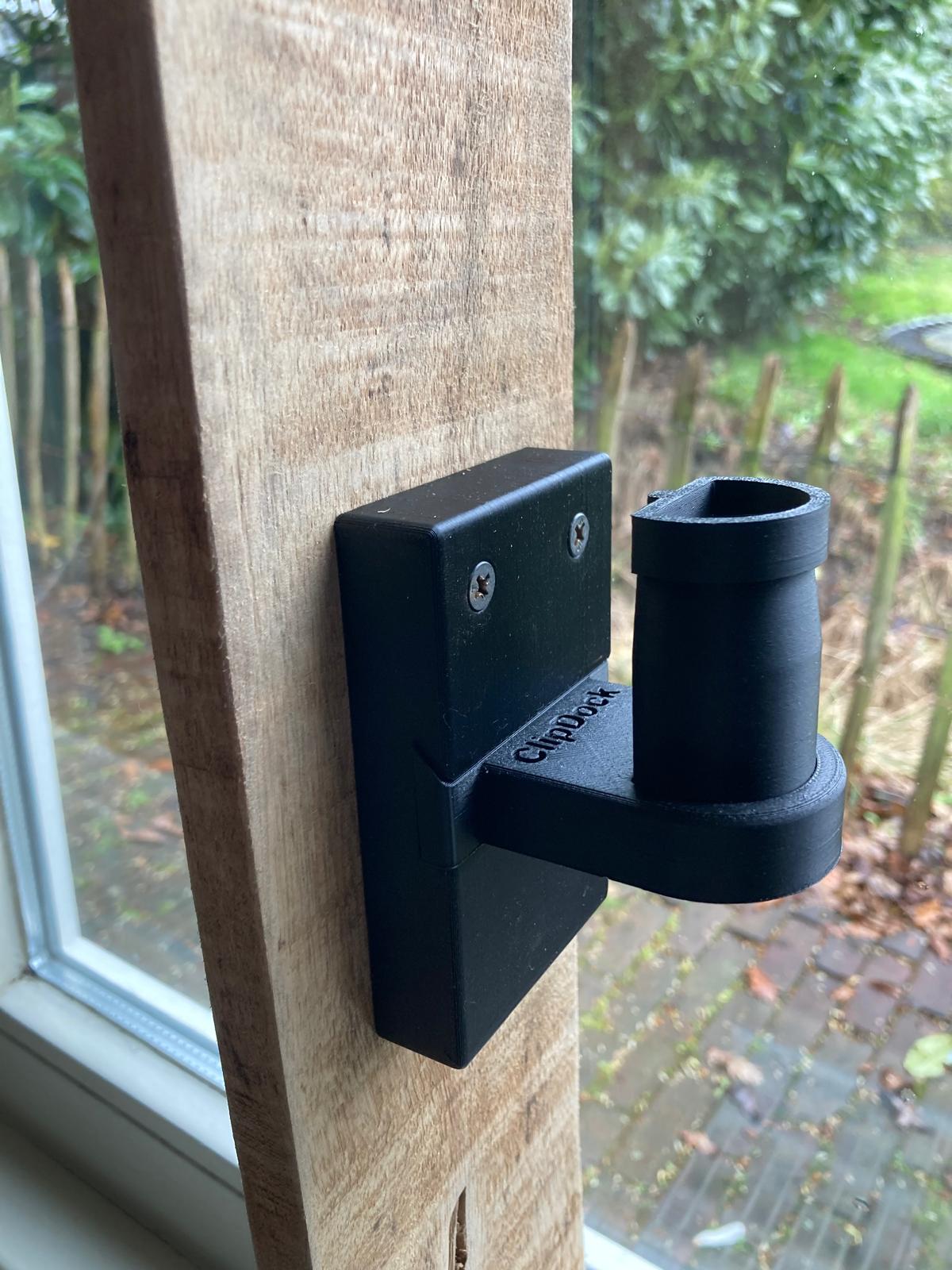
The most effective solution: a mount designed down to the millimetre for the exact attachments of the Jet 75. Not a universal fix, but a product where every curve and every click mechanism is matched to the accessories. That's what KlickDok does.
How to choose the right solution
When evaluating a storage solution for your Samsung Jet 75 accessories, five things matter:
- Compatibility — Does it fit your specific Samsung model? The Jet series has multiple variants and not every attachment is identical. Check the model number. See our article on KlickDok compatibility by Samsung model (coming soon).
- Installation — How does it attach to the wall? One screw and plug is ideal — you're done in five minutes. See our installation guide for a step-by-step walkthrough.
- Material — Is it strong enough for daily use? PLA bioplastic is strong, lightweight and durable. Read why we chose PLA in our article on PLA vs ABS vs PETG (coming soon).
- Secure fit — Do the accessories actually click in, or just rest loosely? A well-designed mount keeps everything in place even if you bump into it.
- Size and delivery — Can it be delivered through the letterbox? A mailbox-sized package means no missed delivery.
KlickDok: built for this exact problem
KlickDok is a 3D-printed wall mount specifically designed for the accessories of the Samsung Jet 75E Pro. The product came out of personal frustration: founder Timo had the same vacuum, the same loose attachments, and no good solution. After 20 prototypes and months of testing in Fusion 360, the result was a product that fits to the millimetre.
What sets KlickDok apart:
- Millimetre-precise — designed in Fusion 360 to the exact dimensions of the Samsung Jet 75 attachments
- Click mechanism — accessories click firmly into place and don't fall out, even when bumped
- PLA bioplastic — strong, lightweight, durable and more sustainable than ABS
- Compact — fits alongside the existing Samsung wall mount
- Letterbox delivery — no need to be home for the parcel
- Made in the Netherlands — 3D-printed in Zeeland, to order
Price: from €19.95 (KlickDok Single) or €29.95 (KlickDok Duo), including VAT and free shipping within the Netherlands and Belgium.
Installation in 5 minutes
KlickDok goes up in three simple steps:
- Drill a hole in the wall next to your Samsung wall mount (6 mm, wall plug included)
- Insert the plug and drive in the screw
- Click KlickDok onto the screw — done
No special tools needed beyond a drill. The full instructions with photos are on the installation page.
Frequently asked questions
Do Samsung Jet 75 accessories fit on the standard wall mount?
No. The standard Samsung wall mount is designed for the vacuum only. The included attachments — crevice tool, furniture brush and combination nozzle — do not fit on it.
Which accessories come included with the Samsung Jet 75E Pro?
The Samsung Jet 75E Pro (VS20B75ADR5) comes with a crevice tool, a furniture brush, a combination nozzle and a flexible crevice tool. The exact set varies by variant.
What is KlickDok?
KlickDok is a 3D-printed wall mount specifically designed for the accessories of the Samsung Jet 75E Pro. The attachments click firmly into place and hang neatly next to your vacuum. From €19.95 (Single) or €29.95 (Duo), including shipping.
Is KlickDok sturdy enough for daily use?
Yes. KlickDok is printed in PLA bioplastic — a material that is strong, lightweight and durable. Every unit is tested before shipping. The design went through 20 prototypes.
How do you install KlickDok?
KlickDok installs in 5 minutes with a single screw and wall plug. Drill a hole, insert the plug, drive in the screw and click the mount into place. The only tool you need is a drill. See the installation guide.
Recognise the problem? KlickDok solves it. Millimetre-precise, made in the Netherlands, delivered through your letterbox.